
Overview
Sitejet Builder is the free and powerful website builder produced by the WebPros (Plesk) team. It can be easily accessed via your existing subscription with Conetix on all services.
Instructions
- Login into Plesk via the Conetix Control Panel.
- Next click on Websites & Domains in the left hand Nav.

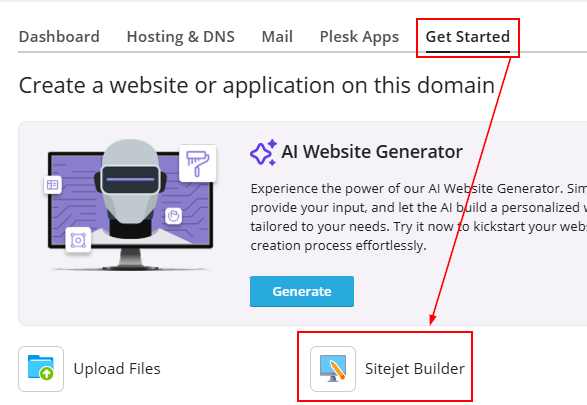
- Then Get Started tab then click on Sitejet Builder:
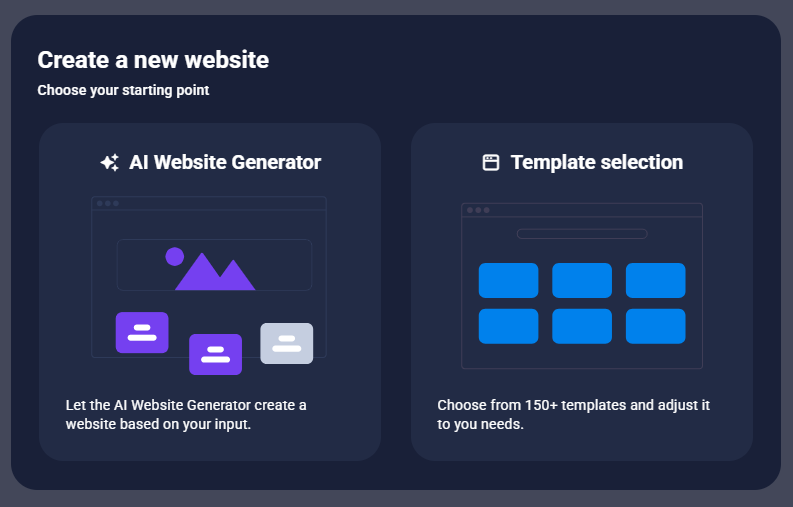
- You will be provided two options to build a website: an AI Website Generator or Templates.
- Choosing Templetes, the page will refresh and will take you to the first step of choosing a template:
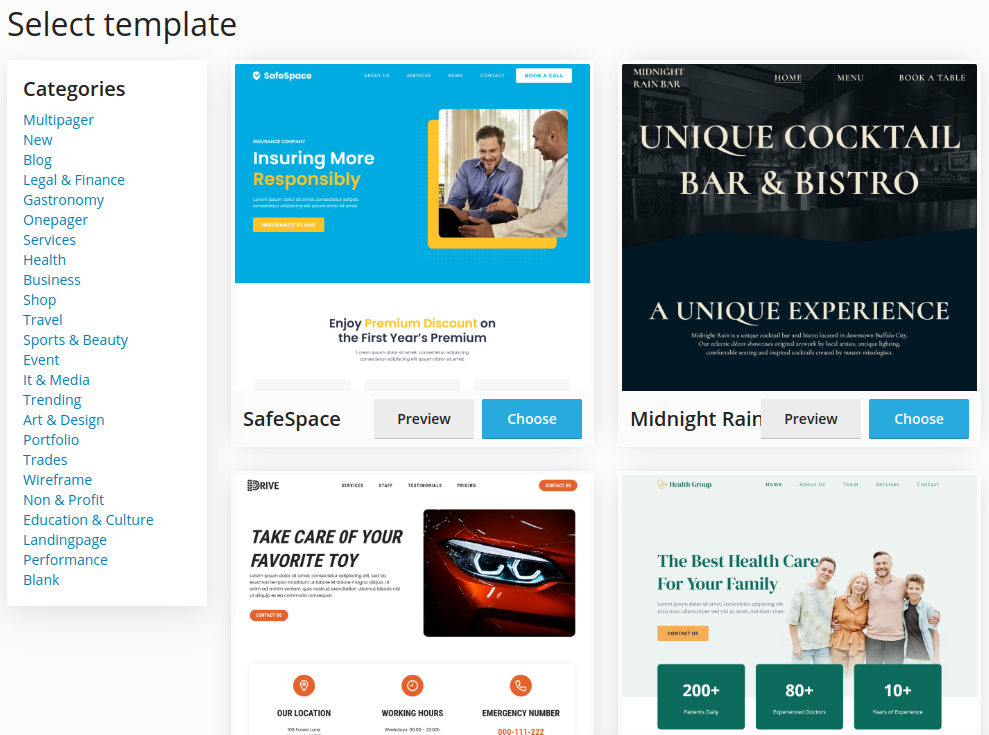
- Once you’ve chosen a template the page will refresh and load the Sitejet Builder editor, this will start the process of editing your new Sitejet Builder based website.
We highly recommend running through the First Steps in the Editor option to familiarise yourself with the Editor: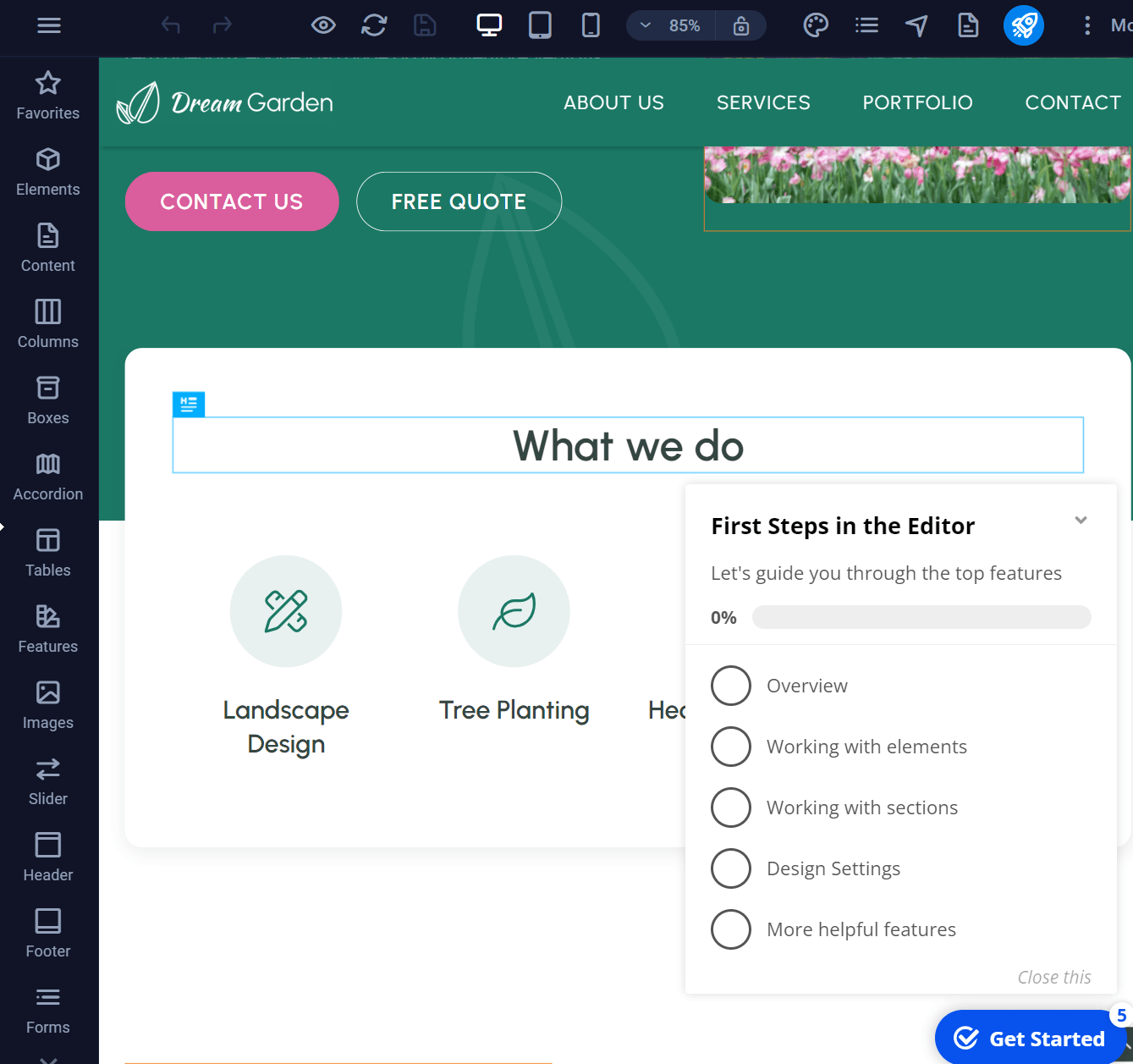
- We recommend reading through the Sitejet Builder Guide to get an understanding on how to use the Editor, then our How to publish your site via Sitejet Builder guide as well.
- When you return to Plesk, there will also be a handy shortcut to return to editing your site for all future changes to your website:
