
Overview
This article shows you how to use the WP Toolkit in Plesk to remove plugins from your site
Instructions
- Login into Plesk via the Conetix Control Panel
- Once in Plesk access the WP Toolkit by Clicking on WordPress on the left-hand side of the screen:

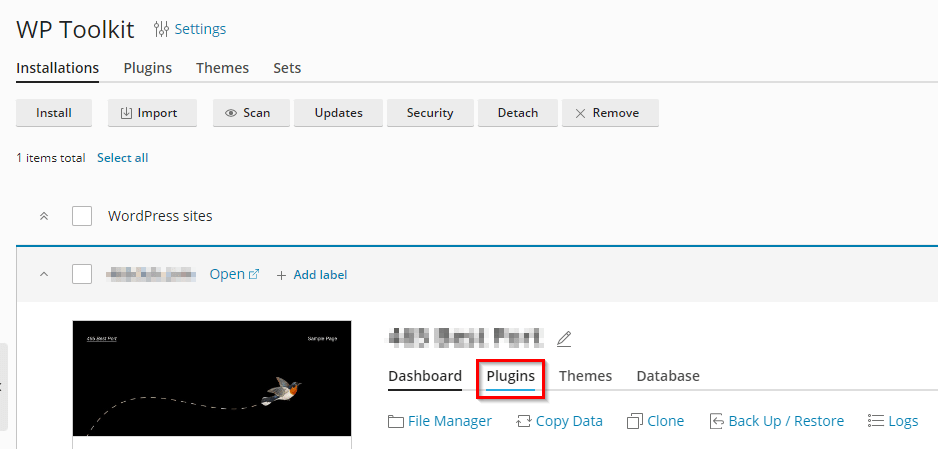
- Click on the down arrow to manage your WordPress site.

- Select Plugins under the site.
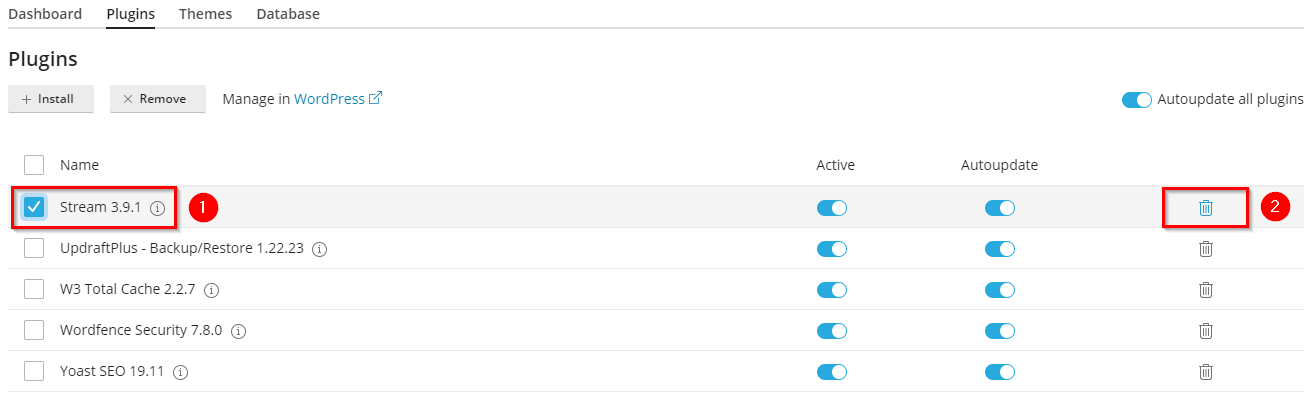
- Select the plugin you want to remove, then click the bin on the right.
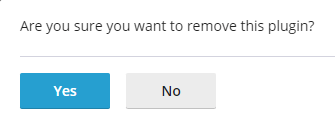
- Confirm the removal of the plugin.
- You will then receive confirmation that the plugin has been removed
