
Overview
This article will step you through changing the billing cycle on your Conetix hosting plan. Conetix has the following billing cycles available; Monthly, Quarterly, Semi-Annually, Annually, Biennially and Triennially.
Instructions
- Log into your Conetix Portal at: admin.conetix.com
- Go to Service then My Services:

- Click on Manage for the hosting you are changing the billing cycle for:

- Scroll to the bottom of the page and Click Change Billing Cycle:

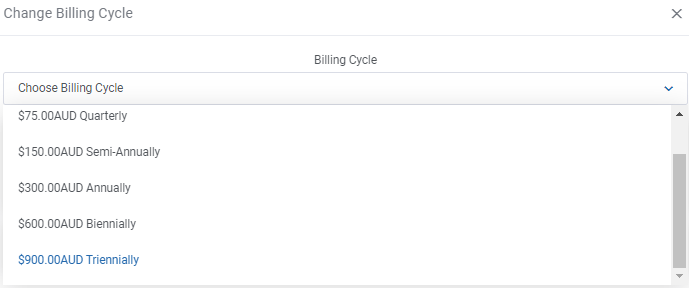
- In the pop-up click Choose Billing Cycle and from the Drop down select the desired Billing Period:
- Once selected the pop-up will update with the Next Due date and the cost of the new billing cycle:
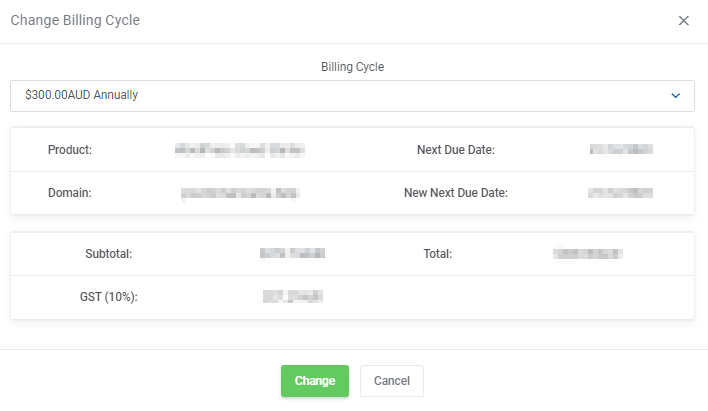
- Click Change to save the new billing cycle.
The system will update to the new billing period.
If you have already received a invoice for current billing cycle the invoice will be cancelled and a new invoice will be generated and sent to you for the new billing period.