
Overview
Plesk Obsidian features an easy backup and export option for your MySQL database. Often referred to as a database “dump”, this allows you to take a copy of the database to manipulate or store a copy locally before making changes. Conetix highly recommends taking a database backup before running any software updates to your web application.
Instructions
- Login to Plesk or the Conetix Control Panel.
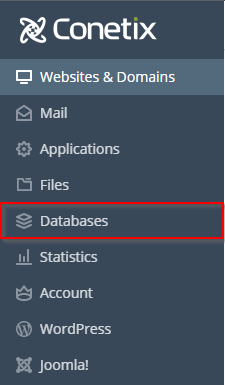
- Click on Databases on the left-hand side of Plesk:
- Select the database you wish to backup, then select Export Dump:

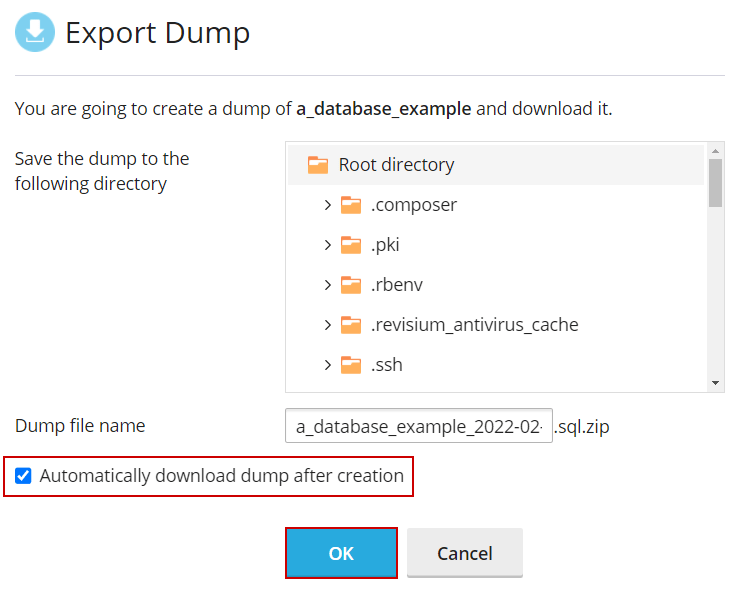
- Tick “Enable automatic download dump after creation” and click on OK to start the backup:
- You should now have a copy of the database saved on your local machine.