
Overview
Domain Aliases can be used to redirect traffic from one domain to another, which is a common scenario if you have both a “.com” and “.com.au” domain registered. This guide shows the setup of an alias pointing traffic from conetix-test.com to conetixtest.com.
Instructions
- Log into Plesk
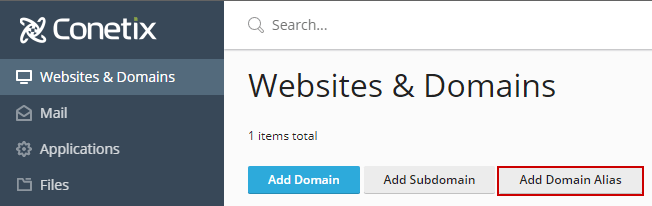
- In Plesk in the Website & Domains Section, click”Add Domain Alias“:
- Enter the domain alias name (eg conetix-test.com).
- Under Settings untick the first option to enabled you to edit DNS records.
- If the domain isnt going to be used for receiving emails untick the second box:

- Click “OK” to create.
- Once this is complete, confirm that the alias appears under your host domains subscription.
