
Overview
This Support Article describes how to view Plesk Backups created for your hosting subscription. If you have received a notification in regards to excess resource usage, you can verify and delete (if required) any excess backups.
Instructions
- Log into your Conetix or Plesk Control Panel.
- In Plesk, on the right-hand side, click Backup and Restore:
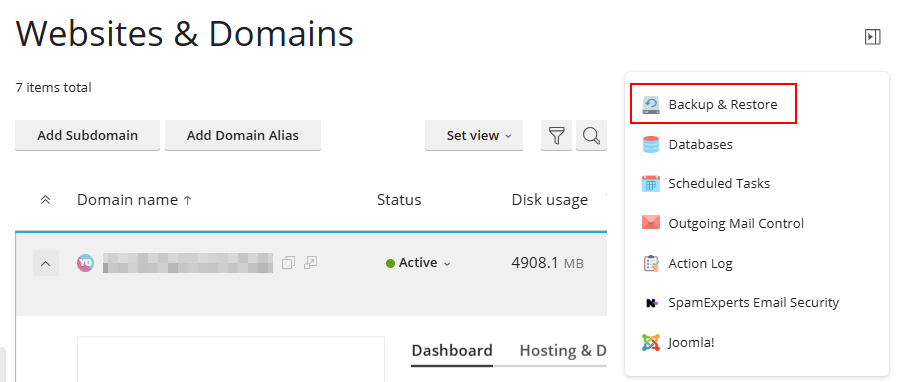
In Plesk, the Right Menu may be hidden; if so, click the arrow icon as shown below:
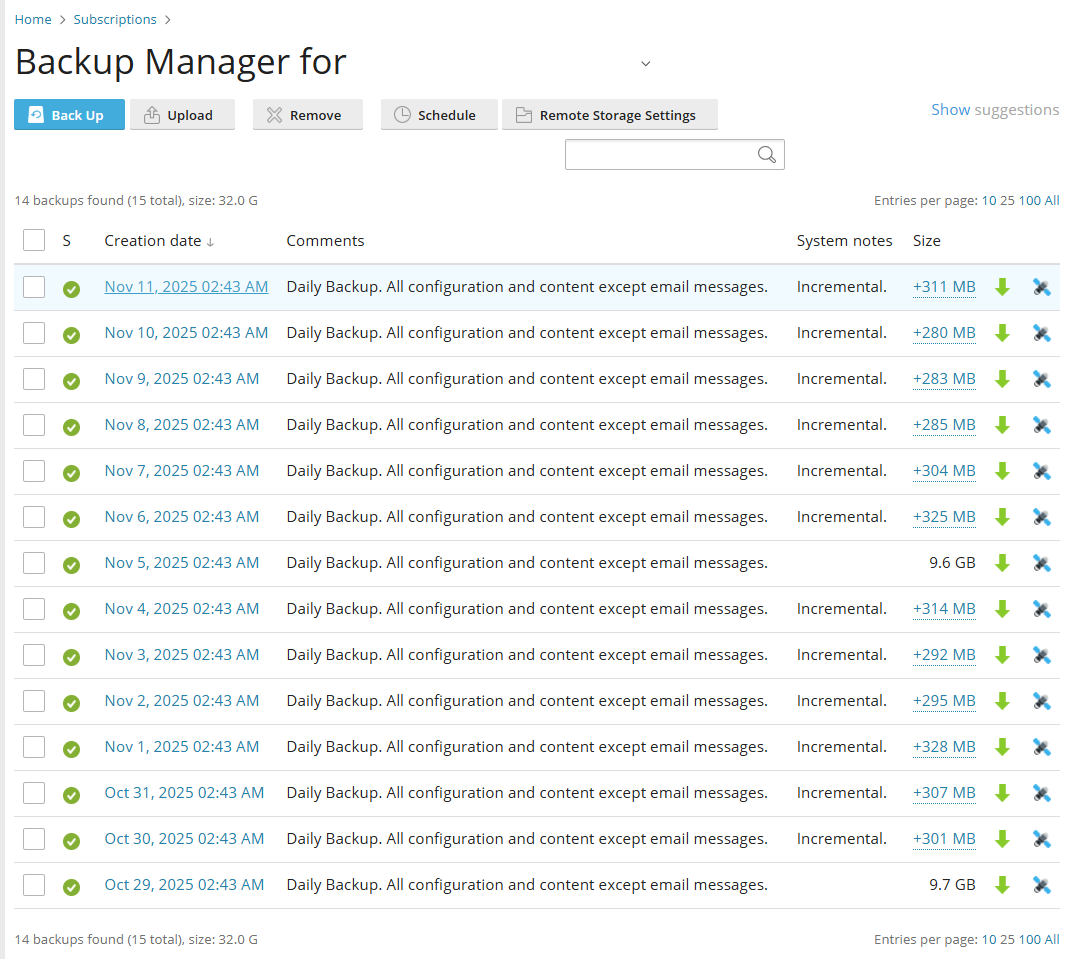
- When the page refresh’s you can now view the amount and size of the existing Backups, with the ability to remove Older backups to reduce Disk usage.
- Task Completed.