
Overview
If your WordPress Admin area looks like there’s no CSS styling and no JavaScript or is completely blank, this may be due to an improperly configured WP Toolkit rule. Examples of the issue:
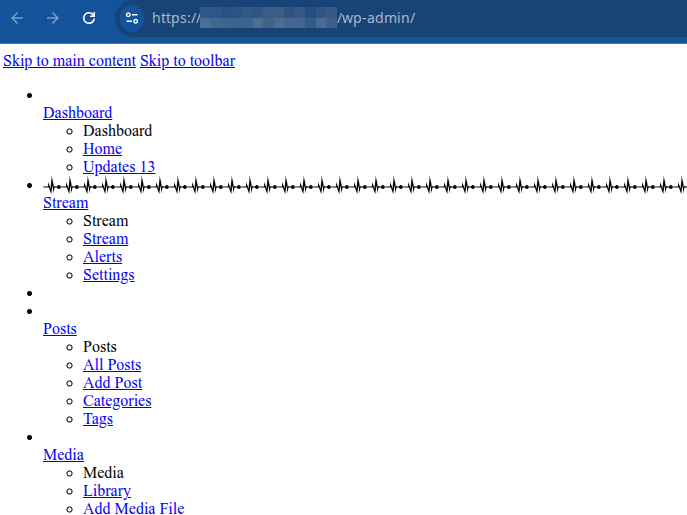
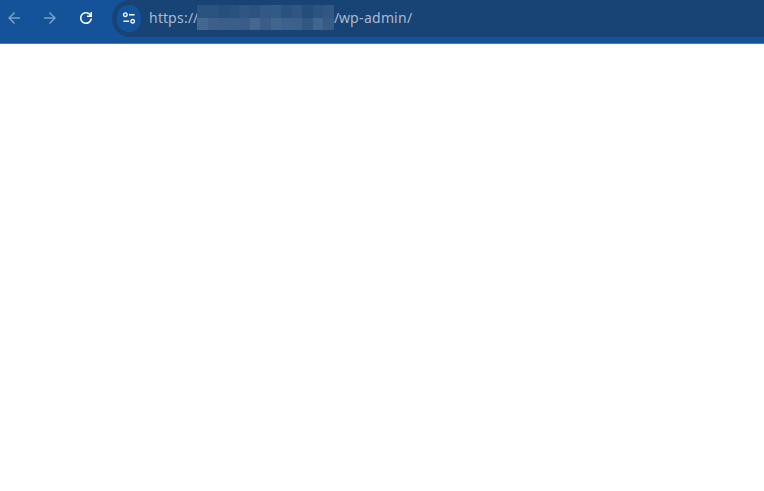
This is caused by enabling the “Disable scripts concatenation for WordPress admin panel” feature of the WP Toolkit but removing the CONCATENATE_SCRIPTS definition from your wp-config.php manually.
You will also see 403 errors in the logs for load-scripts.php and load-styles.php in your website error logs.
Fix
- Login into Plesk via the Conetix Control Panel.
- Go to the site causing the issue, then to the WP Toolkit area:
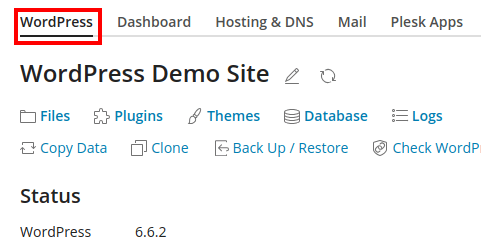
- Click on the link beside security to bring up the security dialog:
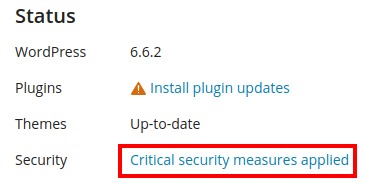
- Select Disable scripts concatenation for WordPress admin panel and select Secure:

- Select the same again and this time select Revert:
- Reload your WordPress Admin area to confirm it’s loading correctly.