
Overview
This support article steps you through checking each mailbox’s individual usage under your hosting plan. As well as the steps you need to take to remove emails from the mailboxes.
Instructions
- Log into your Conetix or Plesk Control Panel.
- From the left-hand menu, click on Mail:

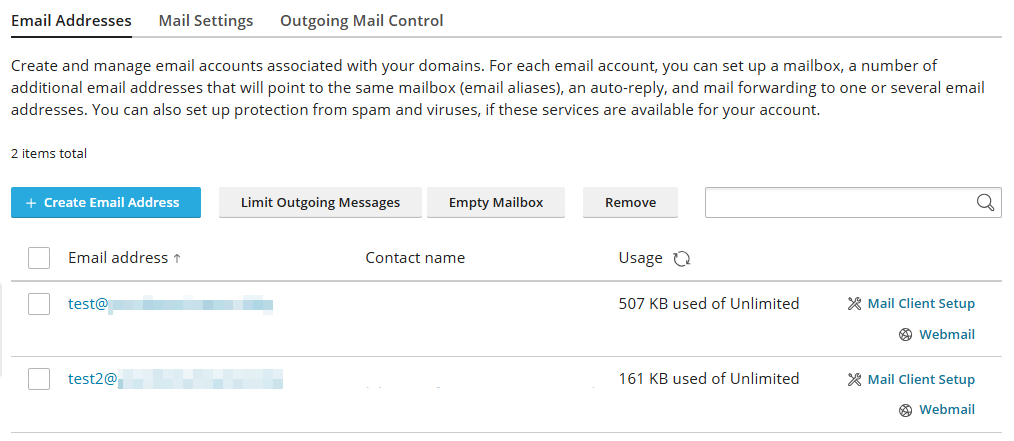
- On the right-hand side, you’ll see the usage per mailbox listed and if any limit exists.
- To remove individual emails, you have to do it via your Mail client (Outlook, Macmail, Thunderbird) or via Webmail (webmail.YourDomainName). So you don’t lose emails, we recommend archiving.
- If you’ve archived and want to see the changes, in Plesk, click on Refresh Usage Stats to recalculate the usage:
