Overview
This article will take you through the steps of disabling Auto renew for a Domain in the Conetix Control panel.
Instructions
- Login to Conetix Control Panel.
- Click on “Domains”:

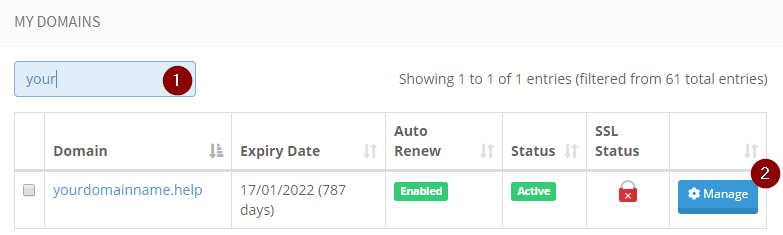
- Search for the Domain you want to disable auto renew for.
- Click “Manage”:
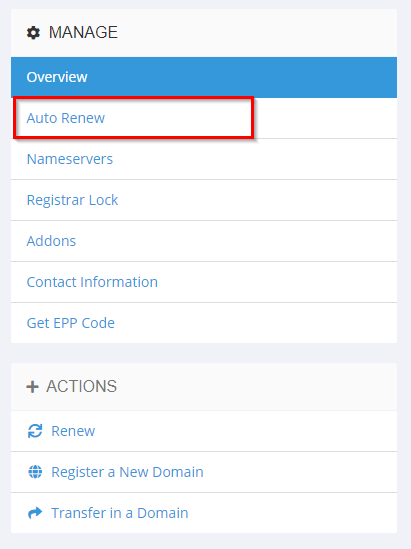
- Click Auto Renew under MANAGE on the right side of the page:
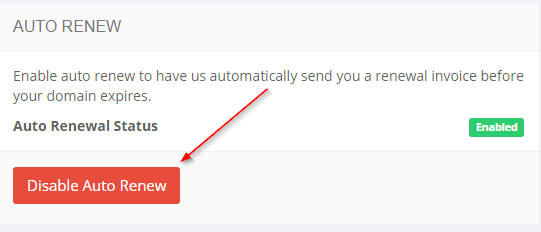
- Click “Disable Auto Renew” and the Auto Renewal Status will change to Disabled.