
Overview
This support article describes how to restore a Database using Acronis Backup via Plesk
You need to have a Conetix Hosting Subscription with Acronis Backup included.
Instructions
- Log into your Plesk hosting subscription.
- Website & Domains tab should load by default.

- On the right-hand side click on Acronis Backup

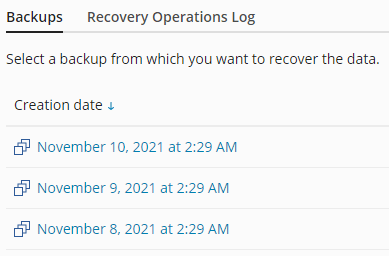
- Click on the Date from which you want to restore Database.
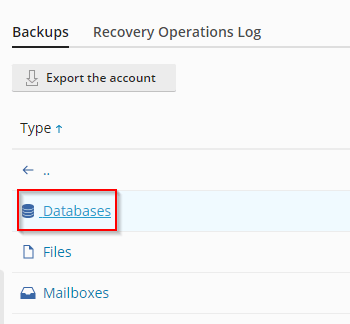
- Click on Databases.
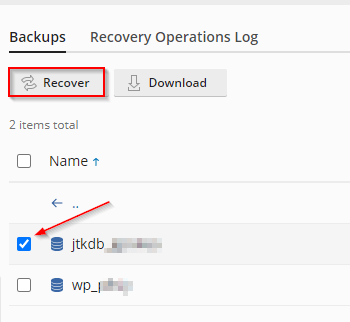
- Select the checkbox beside the Database Name you wish to restore, then click Recover.
- A Popup box will appear, then click Recover.

- You will then see a progress of the Database being restored.

Then Succeeded
- You have successfully restored your Database.