
Overview
This article demonstrates the process of updating the iPhone’s SMTP Mail Settings.
Instructions
- Open the Settings App.
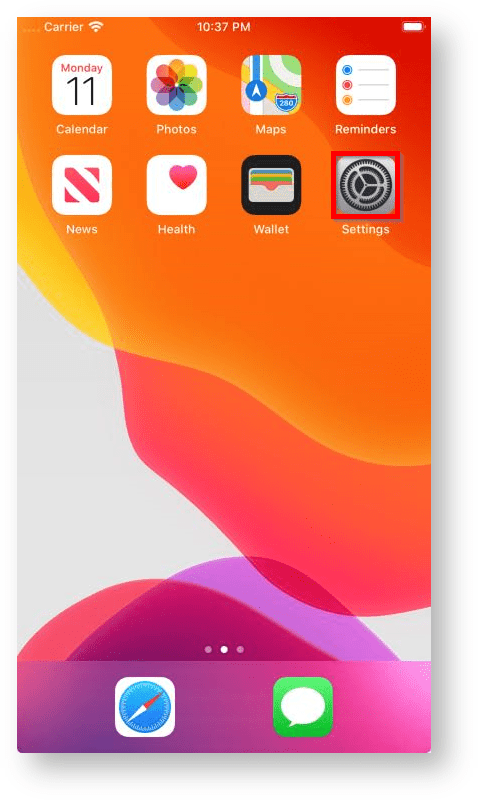
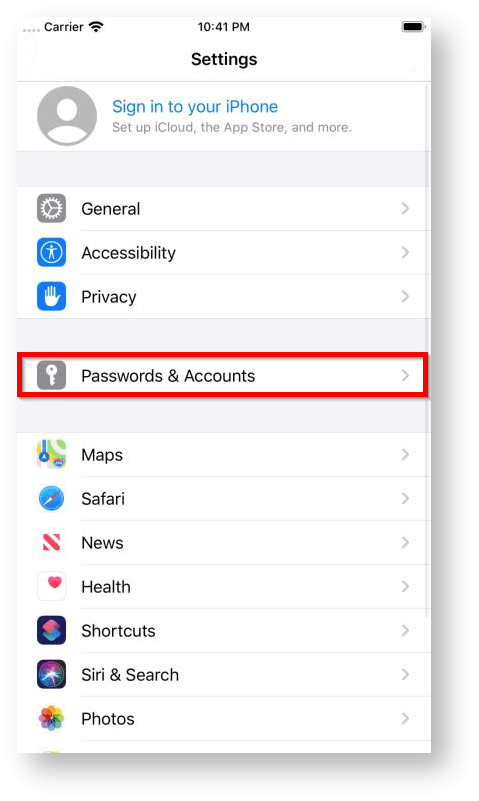
- Depending on your version of iOS, select the relevant option;
- iOS 14: Mail -> Accounts
- iOS 13 & iOS 12: Passwords & Accounts
- iOS 11: Accounts & Passwords
- iOS 10: Mail
- iOS 9 & Earlier: Mail, Contacts, Calendars
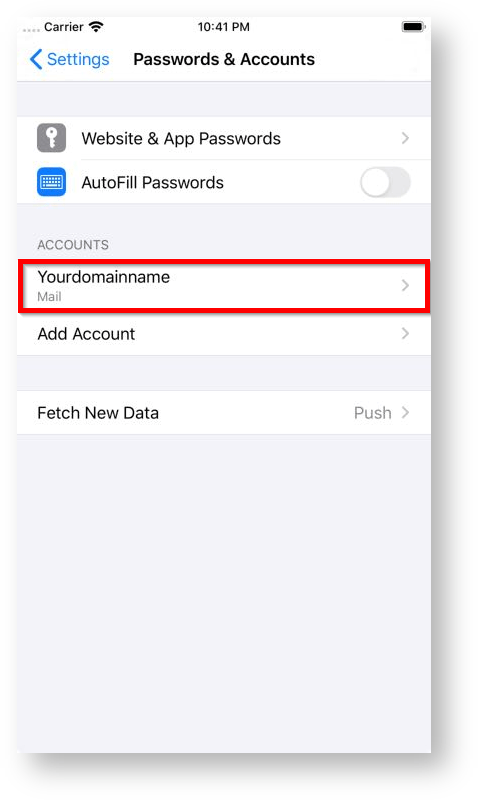
- Select the relevant Mail Account.
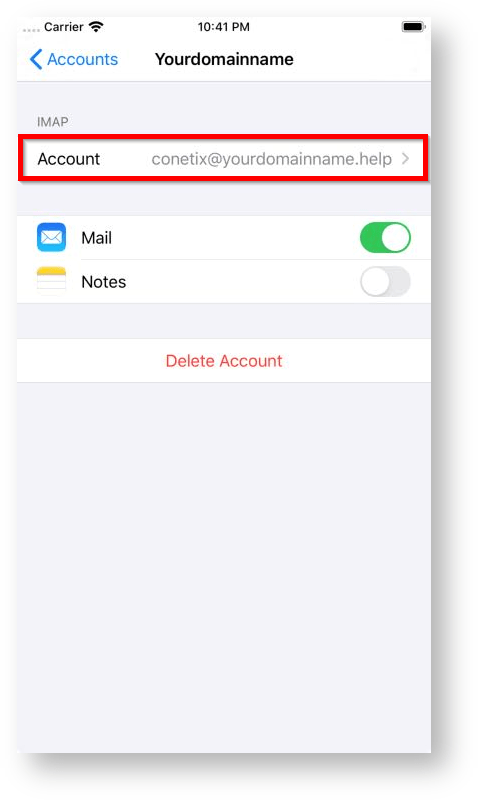
- Select Account.
- Select SMTP.

- Tap on the Primary Server (It may show a different name than the below).
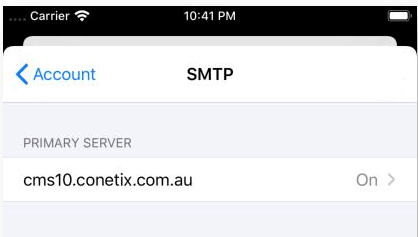
- Ensure the hostname matches your domain name or the details provided by Conetix.

- And, that you also have the email address entered in as the Username and the password has been entered.
You have successfully added and modified the SMTP Server an iPhone.