
Overview
Joomla is a popular Content Management System (CMS) used to build websites. You can use this guide to setup Joomla to use Plesk’s included email functionality.
Instructions
- Login to your Joomla Administrator Area with an administrator username and password:

- Click the System menu item:

- In the System menu drop down, click Global Configuration:

- On the new page, click the Server tab:

- Under the Mail Settings area change the From Email to your email:

- Set From Name to something that identifies your site to your customers:

- Set Reply to Email and Reply to Name to match From Email and From Name:
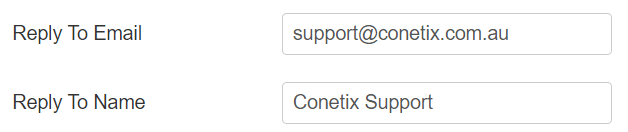
- Change Mailer to PHP Mail:

- Click Save in the top left of the page:
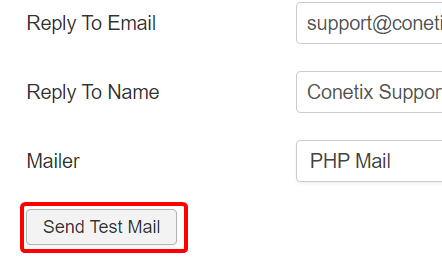
- Click Send Test Mail to test your settings:
- A green success message will appear at the top of the page:

Please contact our support team if you need assistance with email settings for your Joomla Website.