
Overview
In order to reconcile your account from time to time you may require a full or part account statement, the following process will show you how to generate a statement from your Conetix hosting admin area.
Instructions
- Login to your Conetix Admin Area:

- Select Billing on left menu:
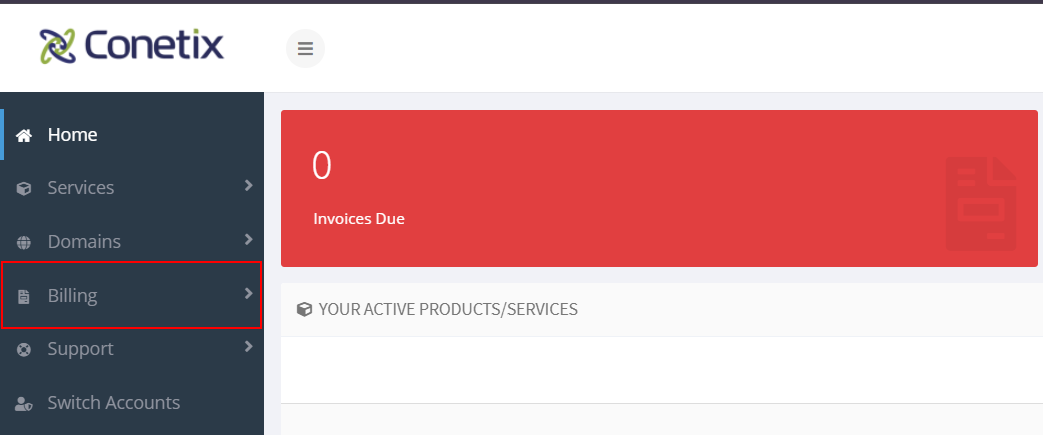
- Select Account Statement:

- Choose Period you wish to generate report:
You can choose from the Calendar that appears or enter manunally. Date format is DD/MM/YYYY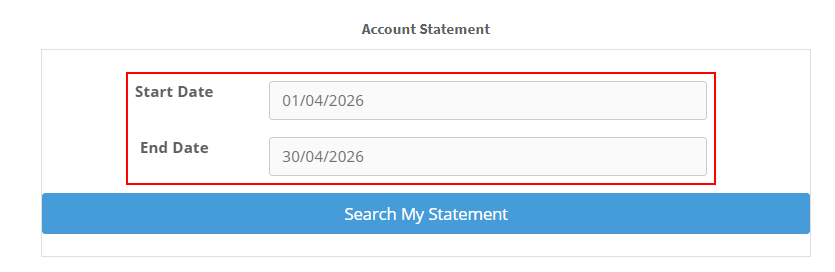
- Click on Serch My Statement:
(The system will generate a statement ready for download)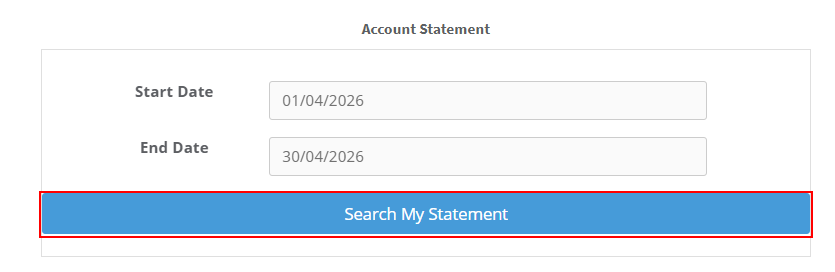
- Download PDF:
