
Overview
This support article describes how to update your IMAP/POP email account password on an iPhone.
Instructions
- Open the Settings App.

- Go to the Mail setting.

- Select Accounts.

- Select your existing mailbox.
a. In this Example, it is Your email address
- Select Account under IMAP or POP.

- Enter the new password in Incoming Mail Server.

- Select SMTP under Outgoing Mail Server.

- Select your outgoing server under Primary Server.

- Enter the new password.
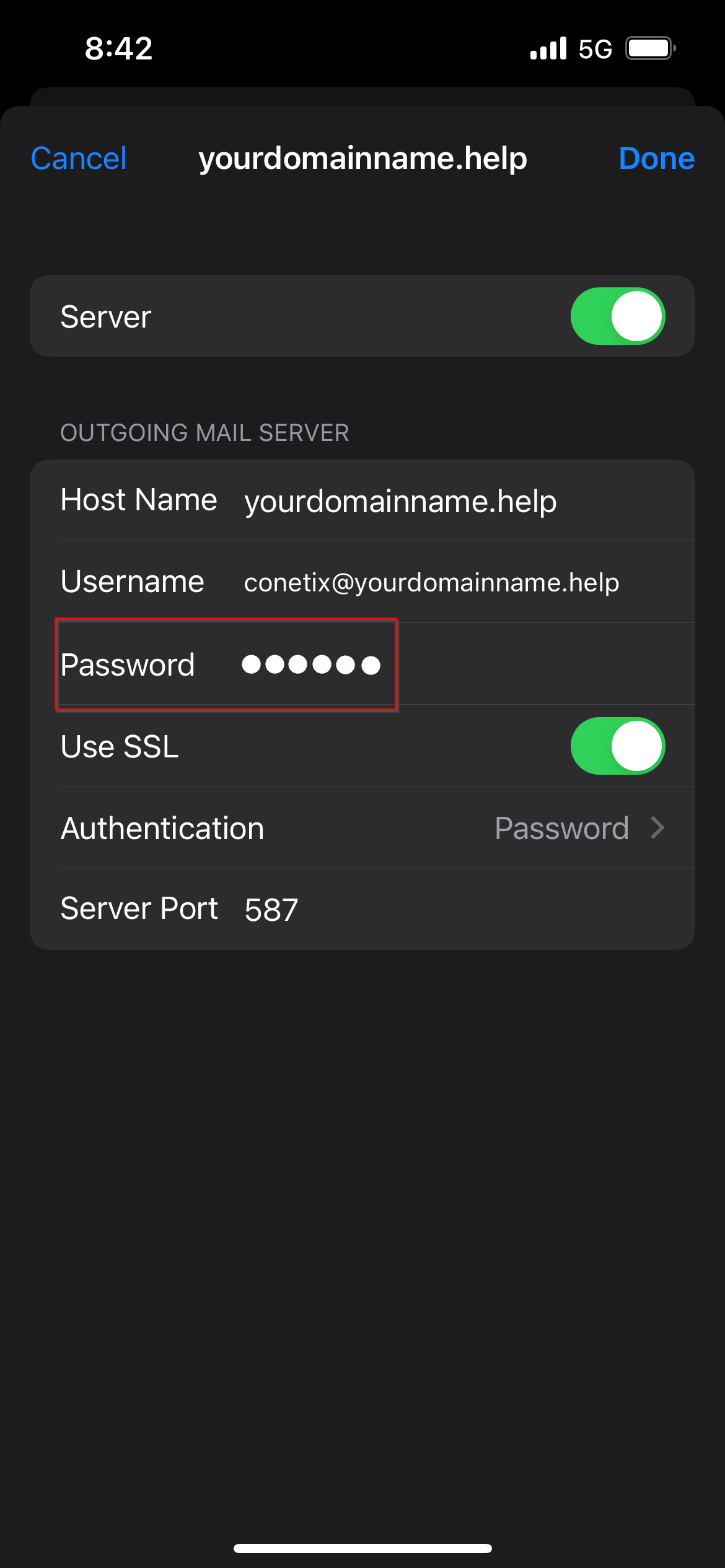
- Press Done to verify the new credentials in Outgoing.
- Back in the Incoming settings, press Done again to finish verification.