
Overview
This article shows you how to add a credit card to the Conetix Admin portal.
Instructions
- Log into your Conetix Portal at: https://admin.conetix.com.
- On the left, click Billing:

- Then, click Payment Methods:

- Click on ADD NEW CREDIT CARD:

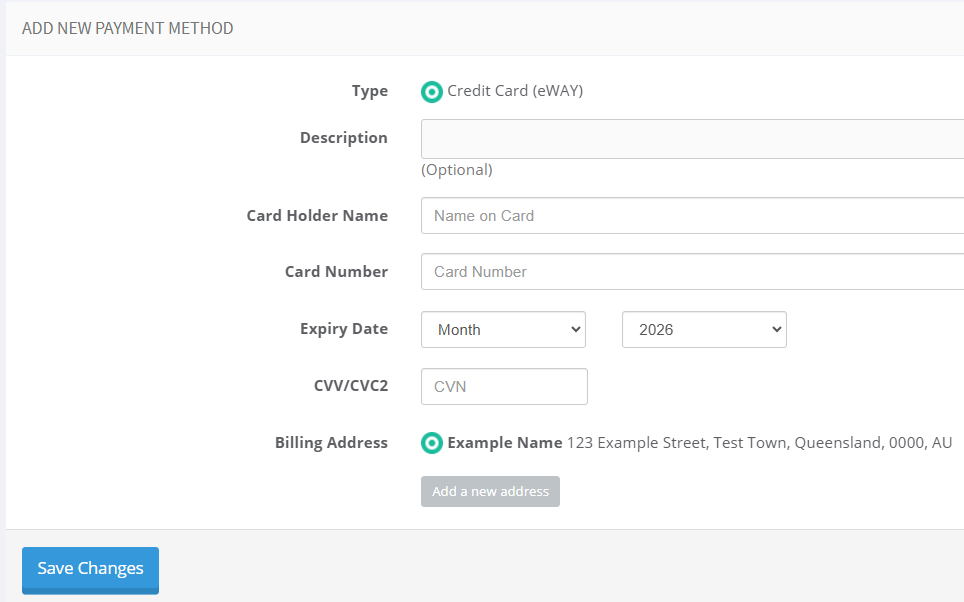
- Enter your card details into the available and relevant fields and click Save Changes:
- Your card has now added to your Account with Conetix.