
Overview
This article will describe how to change the primary address of an Office 365 mailbox. This can be used in the case where a staff member is being replaced with another and you wish to keep the same license, files and email.
Prerequisite
Password for your Microsoft 365 email account.
Instructions
- Login to the 365 admin panel for at https://portal.office.com
- Access the admin Center by clicking the menu on the top left and selecting admin:

- Select the user and press “manage username”:
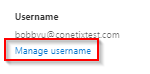
NB: If you do not have this option you will need to speak to your M365 License provider or System Administrator. - Change the username as to the new email account.
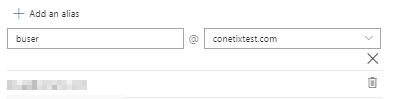
- Optionally, you can also add the old username as an alias to the new account. To do so, select “Managed email aliases”.
- Then, add the old username in as an alias:
- Select “Manage contact information”:
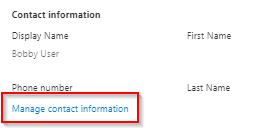
- Update the First name, last name and Display name for the new user.
- Change the password and you’re good to go.